
The lecturer is already on the next slide, but you are still trying to understand the previous one. You start copying faster, miss the explanation, and end up with pages of words you cannot explain.
When this happens, lecture note taking needs a different goal. You are not trying to produce a complete transcript or understand every point immediately. You are trying to capture enough structure to reconstruct the lesson afterward, with clear markers showing where you got lost.
That means recording the main ideas, preserving useful examples, and separating what you heard from what you actually understood. Here is how to do that without spending the rest of the lecture chasing a sentence you missed.
Set up your notes to show gaps, not hide them
At the start, write the lecture topic and date. If slides are available, keep their page numbers or slide numbers beside your notes. These references give you a way back to the material without copying everything on screen.
Use a simple layout: your main notes in the center of the page and a narrow margin for questions. On a laptop, put questions on separate lines beginning with a question mark. You do not need a complicated template.
Choose a few markers you can use quickly. A question mark means you do not understand something. A star marks a point the lecturer explicitly emphasizes. An arrow shows a connection between ideas. Keep these meanings consistent so your notes remain easy to interpret later.
Most importantly, do not make uncertain information look settled. Write “possibly X—check” rather than turning a half-heard explanation into a confident statement.
When you lose the thread, rejoin the current point
The hardest part is letting go of the sentence you missed. Trying to reconstruct it while the lecturer keeps talking usually creates another gap.
Mark the missing part, add a slide number or topic label, and listen for the next transition. Phrases such as “the main reason,” “for example,” and “in contrast” help you identify what the lecturer is doing now. Start a new line there.
Suppose you miss the explanation of opportunity cost. Instead of inventing a definition, write: “Opportunity cost—definition missed, slide 6.” Then capture the example you can follow: “Choosing an extra work shift means giving up study time.” You now have a location to revisit and a concrete example to test against the definition.
If the lecturer pauses for questions, ask about the specific missing link: “Why does that example count as opportunity cost?” A focused question is easier to answer than “Can you explain everything again?”

Prioritize these details when you cannot capture everything
- The question being answered. Write what the lecture is trying to explain, such as “Why do prices rise when supply falls?” This gives scattered details a purpose.
- Key terms and their meaning. Capture definitions when you can. If you only catch the term, record it with a question mark rather than guessing what it means.
- Connections between ideas. Look for causes, contrasts, conditions, and consequences. “X causes Y only when Z applies” is more useful than a disconnected list of X, Y, and Z.
- Worked examples and reasoning. Record why a step was taken, not just the result. If you miss the reason, mark that exact step for review.
- Explicit instructions. Note assigned reading, deadlines, and statements about assessment requirements. Do not assume that repetition alone means something will appear on an exam.
Capture reasoning without copying every word
Useful lecture note taking preserves relationships. You can shorten a sentence, but do not remove the word that makes the explanation work. Words such as “because,” “unless,” and “only” often carry more meaning than the surrounding detail.
For example, “Correlation does not establish causation because another variable could affect both” keeps the argument intact. “Correlation, causation, variable” does not.
In math or a problem-based lecture, record the starting information, the method chosen, and the reason for each unfamiliar step. If the algebra moves too quickly, write “How did line 2 become line 3?” beside the example. That is a useful repair task, even if you cannot solve it during class.
When slides contain a detailed equation or passage, record its location and add what the lecturer explains about it. If you have access to the slides later, copying the whole slide can cost you the explanation that is not written there.
Repair the notes before making them look neat
After the lecture, work through your question marks while the context is still familiar. Start with gaps that block other ideas: an undefined term, a missing assumption, or a step used repeatedly in later examples.
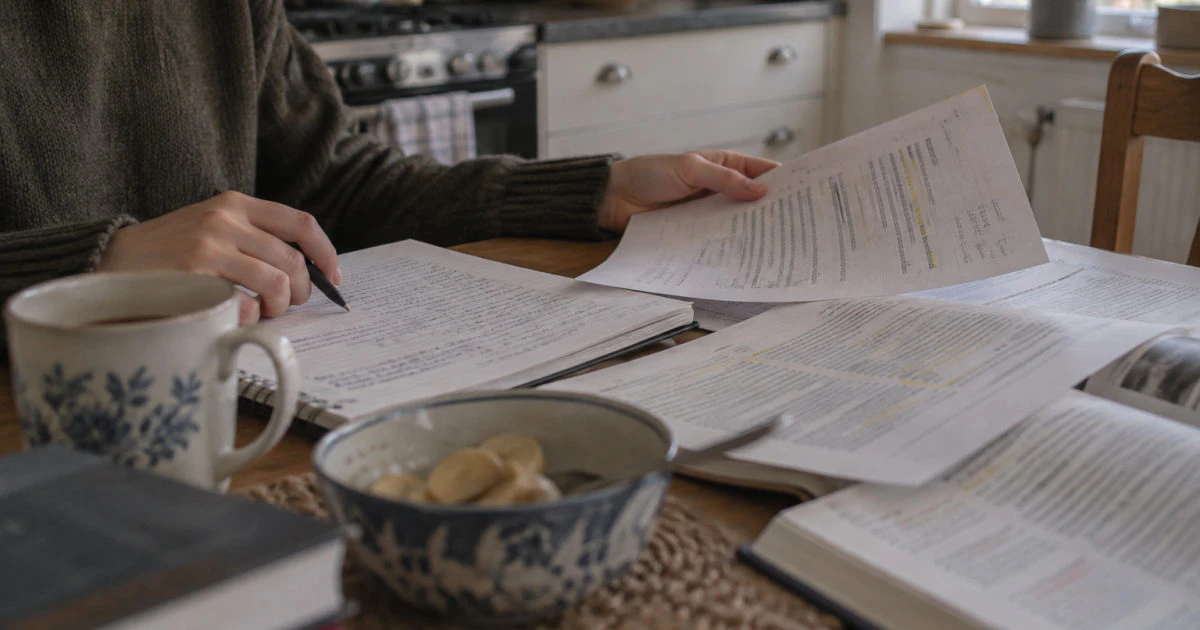
Use the lecture slides, assigned reading, or an authorized recording if one is available. At a kitchen table, for example, you might place your notebook beside printed slides and annotate the lines that answer your questions. Keep corrections distinguishable from your original notes so you can see what changed.
For each gap, try to write a short explanation in your own words. Then return to the original example and check whether the explanation fits. Finding a definition is not enough if you still cannot explain how the lecturer used it.
If the materials do not resolve the issue, take a precise question to office hours or a classmate: “I understand the formula, but why is this value held constant here?” Comparing reasoning is more useful than simply copying someone else's notes.
Check understanding before you turn notes into study material
Close your notes and explain the main idea aloud or write a short answer from memory. Try the worked example again without looking at the solution. This shows whether you repaired the gap or just found wording that seemed clear while you were reading.
If you get stuck, reopen only the relevant part, correct the problem, and try again. Save flashcards for information you have checked; otherwise, you risk memorizing an error from your rushed notes.
An AI assistant can help with a narrow question, but treat its answer as something to verify. In AtomAI Chat, you can attach an image of a confusing passage or a PDF and ask for an explanation of a particular step. Compare that explanation with your course materials, especially when notation or definitions are specific to your class.
If you regularly cannot follow a lecture, look for the recurring obstacle. It might be unfamiliar vocabulary, missing prerequisite knowledge, or difficulty hearing the speaker. Previewing key terms, reviewing an earlier topic, or asking about available accessibility support may help more than changing your note-taking layout.
Keep reading
- Use your lecture slides to fill gaps without just rereading them.
- Check whether you can reproduce the reasoning in a worked problem.
- Turn checked notes into flashcards that make you retrieve an answer.
Have a specific gap to work through? Open AtomAI Chat, attach your notes or lecture PDF, and ask about the step you cannot explain. Check the answer against your course materials. Try AtomAI free
You do not need perfect notes from a lecture you cannot follow. You need a usable record: the main question, the important connections, examples you can revisit, and clearly marked gaps.
When you fall behind, mark the gap and rejoin the lecture. Afterward, repair the missing reasoning and test it without looking. That turns lecture note taking from a race to copy words into a practical way to find out what you still need to learn.