You have a PDF to read and need something shorter to study from. You could work through it yourself, choosing the important points and writing them in your own words. Or you could use an AI PDF summarizer to produce a first draft. Both can help, but they solve different problems.
Summarizing by hand makes you do the work of selecting and explaining ideas. AI can give you an overview before you tackle the details. The better choice depends on whether you need to understand a difficult argument, screen a reading for relevance, or prepare for an exam. Here is how to compare the two without confusing a readable summary with actual understanding.
Start with what your summary needs to do
A useful summary is not just a shorter version of a document. It preserves the information you need for a particular task. For an essay, that might mean the author's claim, supporting evidence, and limitations. For a biology exam, it might mean a process, its stages, and the conditions that affect it.
Before choosing a method, finish this sentence: “After reading this summary, I should be able to explain…” Your answer gives you a filter. Without one, you might copy too much by hand or accept an AI overview that sounds complete but leaves out what your course actually tests.
Also distinguish summarizing by hand from handwriting. You can summarize manually in a typed document. What matters is who makes the decisions about meaning and importance, not whether you use a pen.
By hand: more effort, more decisions of your own
Manual summarizing gives you direct control over what survives the cut. You have to distinguish the main claim from an example, notice qualifications, and decide how ideas connect. Those decisions are useful when the reading itself is part of what you need to learn.
The drawback is that manual work can become copying. If you highlight almost every sentence and then rewrite the highlights, you have created a second reading assignment rather than a summary. You can also misunderstand the source yourself; doing the work manually does not guarantee accuracy.
Try working through one meaningful section at a time. Read it, look away, and write its main point in plain language. Then reopen the PDF to check your explanation and add a page reference. In a part-filled notebook, separate your explanation from any exact quotation so you can tell them apart later.
Manual summarizing is a good fit when
- The argument matters. You need to explain how the author reaches a conclusion, not just identify the topic.
- The material is central to an exam. You need practice producing an explanation yourself rather than recognizing one when you see it.
- Small distinctions carry weight. Definitions, exceptions, assumptions, or competing interpretations are likely to matter in your answer.

With AI: a useful overview, not a checked interpretation
An AI PDF summarizer can help you get oriented. A first-pass overview may make a dense document easier to approach by identifying its apparent topic, main claims, and structure. This is especially useful when you are deciding which readings deserve closer attention.
The trade-off is that fluent writing can hide missing information. A summary may flatten a cautious finding into a firm claim, confuse an example with a conclusion, or leave out a limitation. Depending on the tool and file, scanned pages, equations, tables, and text arranged in columns may also be difficult to interpret.
Give the tool a specific task rather than asking only for a summary. For example: “Summarize the main argument, the evidence used to support it, and the limitations stated in this PDF. Separate the author's conclusions from examples. Flag anything you cannot determine from the document.” This narrows the request, but it does not remove the need to check the output.
Check an AI summary against the PDF
- Claims and qualifications. Check whether words such as “may,” “under these conditions,” or “is associated with” have disappeared. Those changes can alter the meaning.
- Evidence and scope. Confirm what the evidence actually covers. A finding about one group, period, or setting should not become a general rule.
- Numbers, formulas, and definitions. Compare these directly with the original. Do not rely on a plausible-looking paraphrase when exact wording or notation matters.
- References and quotations. Locate any supplied page reference or quotation yourself. Cite the original source only after checking it, not simply because the summary mentions it.
A combined workflow keeps you involved
You do not have to choose one method for the entire document. Start by reading the title, headings, introduction, and conclusion yourself. Ask an AI PDF summarizer for a focused overview, then compare its outline with what you noticed.
Next, read the sections that support the important claims. Correct the summary, restore missing qualifications, and add verified page references. Rewrite the central explanation in your own words rather than polishing the AI draft sentence by sentence.
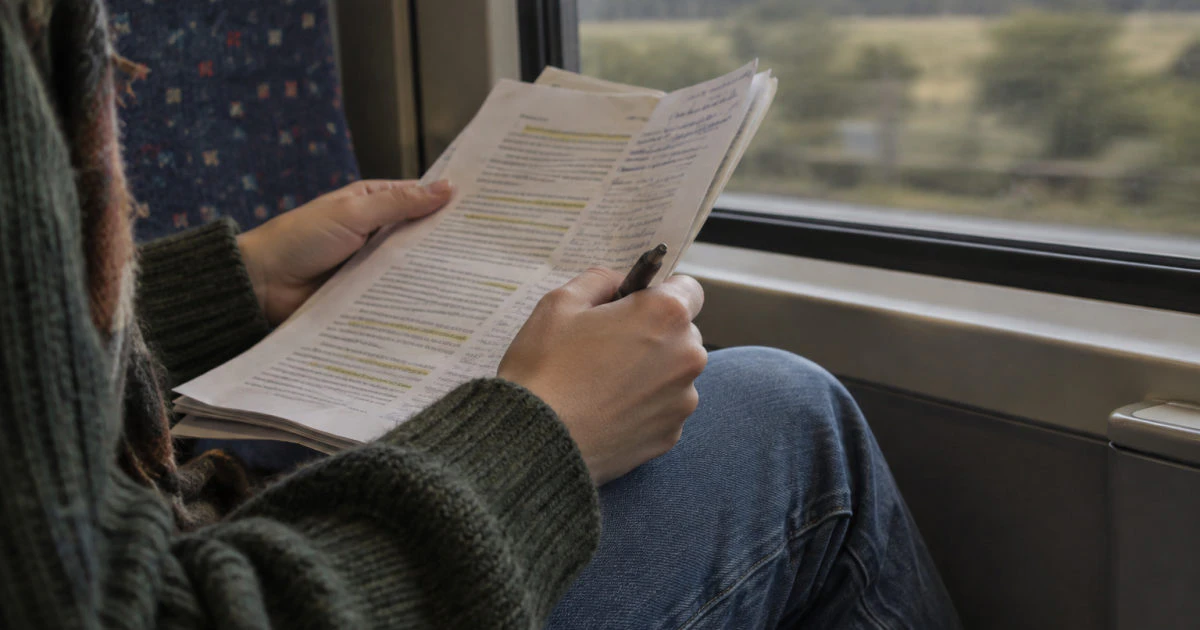
Finish by closing both the source and the summary. Explain the main idea from memory, then check what you missed. For an offline review on your commute, you could carry an annotated printout and cover the notes before trying to explain each section. The summary becomes a checking tool rather than something you only reread.
Choose based on the task, not just speed
If you are screening several readings for an essay, AI can help you decide where to look first. If you must defend an interpretation in a seminar, prioritize reading and summarizing the relevant passages yourself. If you are reviewing familiar material, an AI draft followed by careful checking may be enough to build a usable outline.
Before uploading a PDF, check your course rules and whether the document contains personal, confidential, or restricted information. Do not assume every reading is appropriate to upload to an external service.
AtomAI's Read mode lets you upload a PDF, get a summary, and ask questions about it. That fits the overview stage of this process. You still need to verify the important points in the source and decide which ones belong in your study notes.
Keep reading
- Give your notes a consistent structure with a reusable one-page summary template.
- See where AI fits into studying and where you should do the work yourself.
- Turn your finished summary into practice questions you can answer from memory.
Try a PDF in AtomAI's Read mode, then compare the summary with the source before adding it to your study notes. Try AtomAI free
Summarize by hand when choosing and explaining the ideas is part of the learning you need. Use an AI PDF summarizer when you want an initial overview or a draft to check. Combining them can be useful, provided you keep responsibility for the meaning. The final test is simple: can you explain the important ideas without looking, and show where the source supports them?